Apple TV (Prototype)

Exploration in iOS prototyping

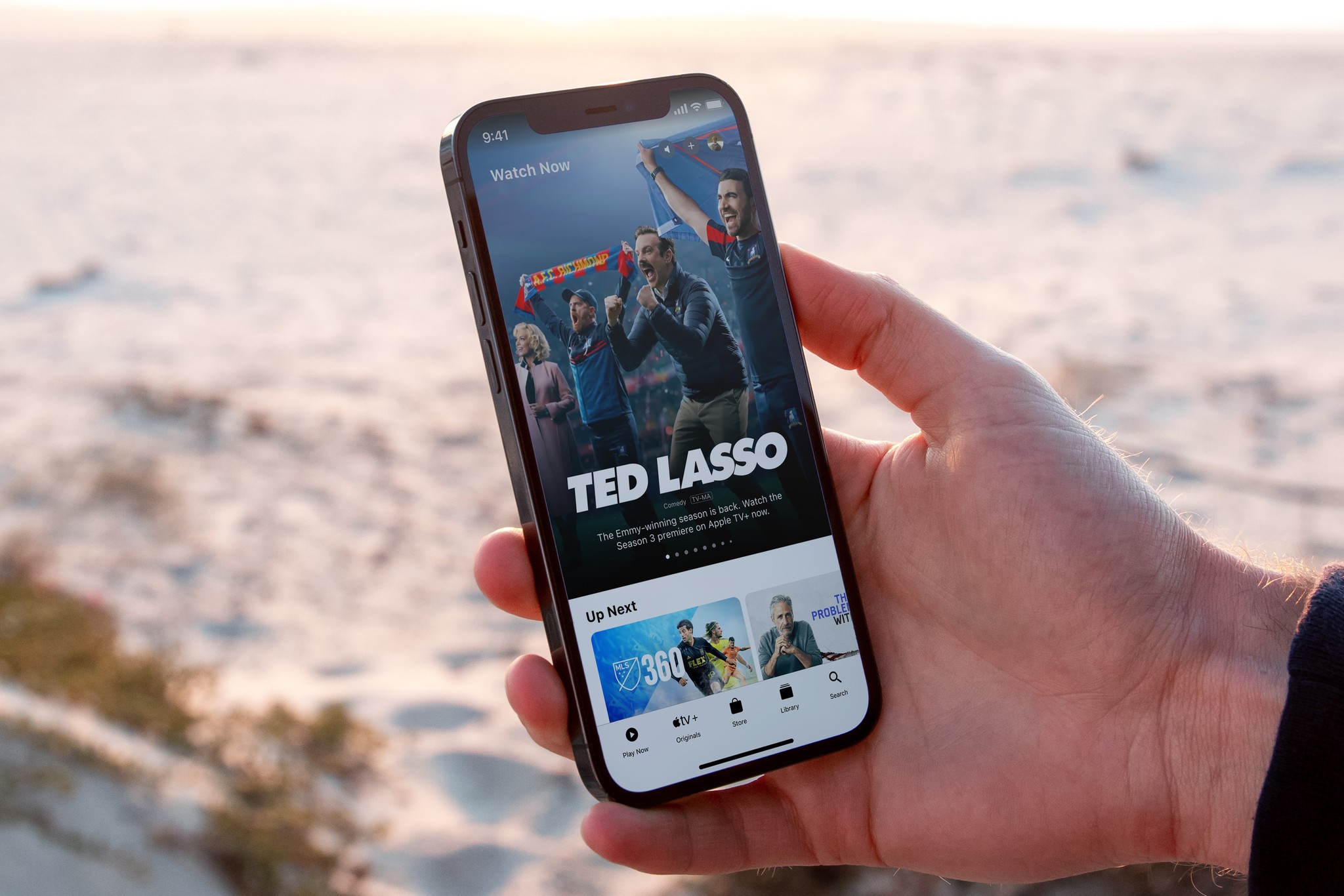
Developing my high fidelity skills I took on a real life replication project, attempting to recreate Apple Tv's mobile parallax hero page.

Team

Cobi Stancik

Services

Mobile UI

Advanced Prototyping

Video Editing

Tools

Figma

ProtoPie

Date

Winter 2022
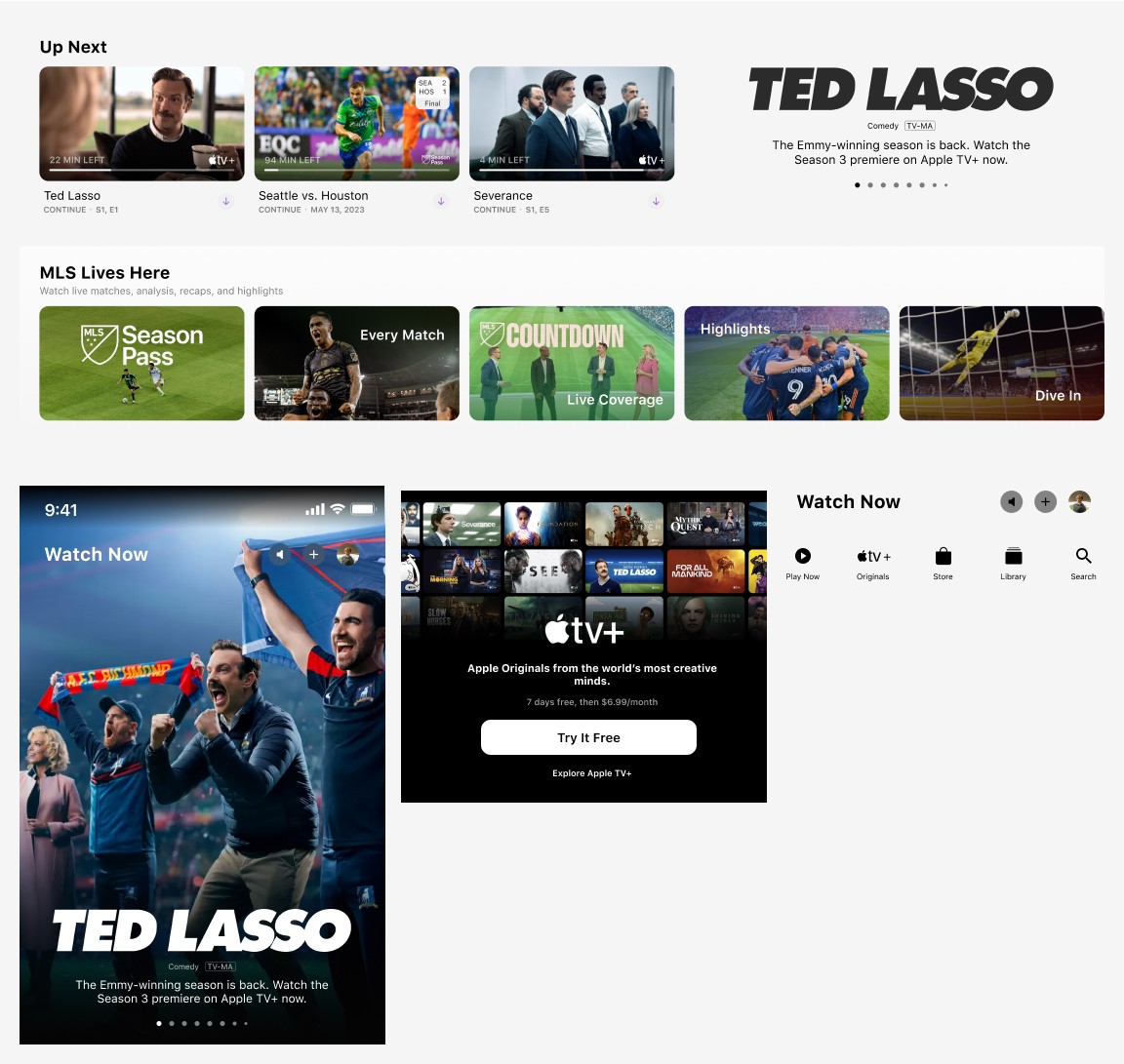
Breaking Down the UI


My initial approach involved breaking down all components of the homepage, from buttons and typography to how content previews and features were structured. Understanding the design system was crucial to ensuring the prototype's feel matched the original. By getting these details right, I aimed to create a prototype that felt indistinguishable from the real version—an outcome I’m proud to have achieved.


Each featured card, after about 1.2 seconds, would gradually fade out its cover image to reveal a video underneath.

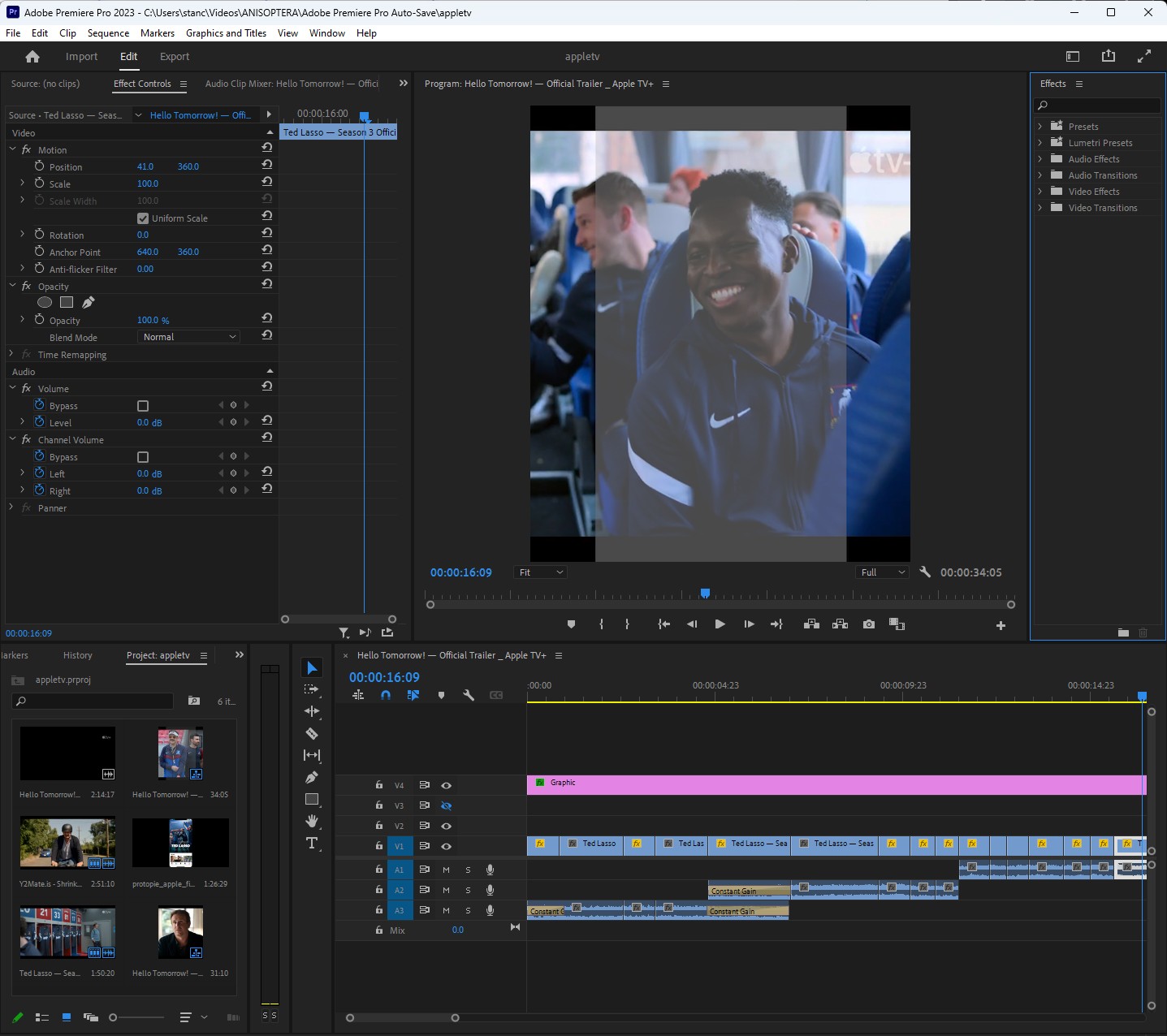
Trimming the Commercials


For the three featured videos in my prototype, I re-edited each commercial to fit within the 1-minute time frame specified by the app. This usually involved cutting each video down by about a minute and a half. Additionally, I repositioned the content, as many commercial shots were framed too far left or right, making them difficult to view. After trimming, I repositioned the shots to ensure the focus point aligned correctly with the viewer’s crop area.

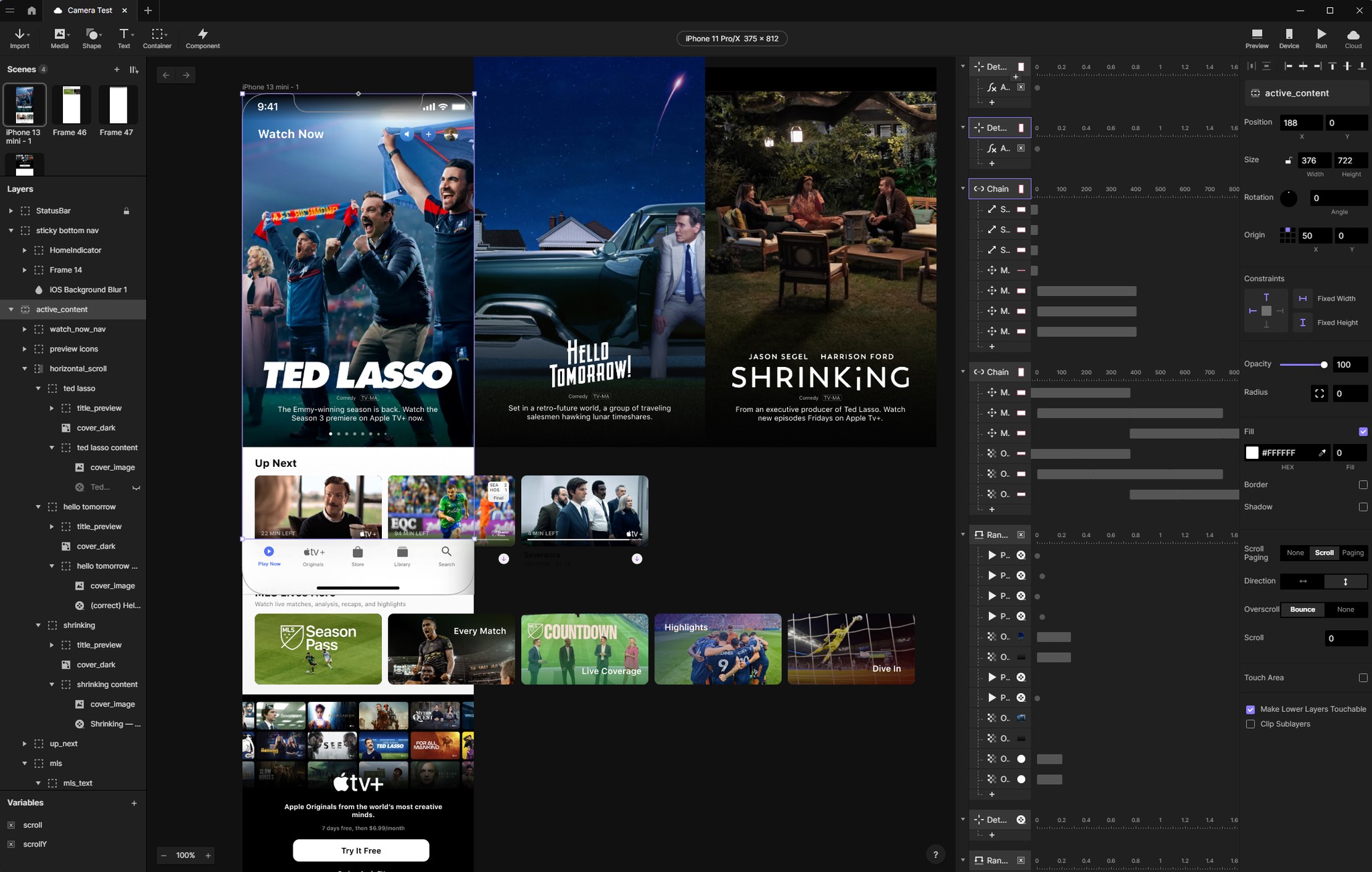
Polished Prototyping


ProtoPie was essential in the final step, allowing me to create interactive prototypes with complex interactions and animations without the need for coding. Using this tool was pivotal in refining the project, enabling me to craft a highly polished version of the existing UI with ease, pulling everything together seamlessly.

I’m sure you’ve just read through the entire project progress, but if you’re up for it, I’ve also documented it in a quick video—feel free to check it out if you’re interested!

Create a free website with Framer, the website builder loved by startups, designers and agencies.